Bookshop Simulator Multiplayer Guide: How Co-op Works for 2–4 Players
I tested a fresh two-player Lyon shop from hosting through a second location, then turned those results into practical role plans for larger teams.
Updated:
Quick Answer
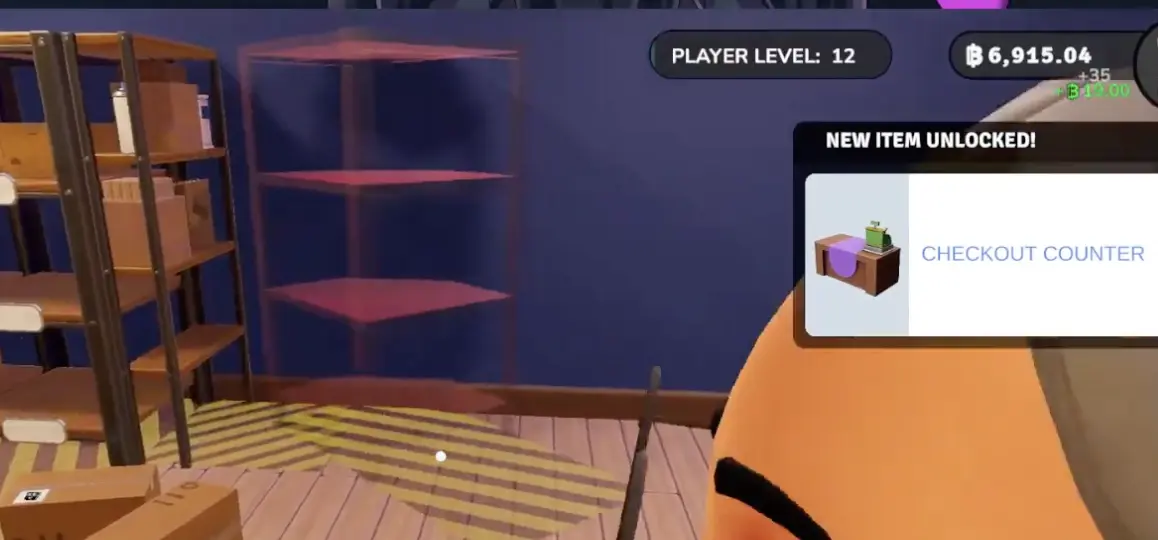
Bookshop Simulator supports up to four players through Steam multiplayer. In my fresh two-player Lyon save, the guest could buy licenses, stock, furniture, and employees, open Used Book Boxes, serve customers, and help build another location. Money was shared, so both players could also spend the same reserve. My most reliable two-player setup was to keep one person protecting current sales while the other removed the next bottleneck through ordering, stocking, or progression. Some unlock requirements scale with player count, so the additional Checkout Counter appearing at Player Level 12 was our tested two-player result, not a universal threshold.
Bookshop Simulator Multiplayer at a Glance
| Question | Answer |
|---|---|
| Maximum players | Up to 4 |
| Platform tested | Steam |
| How friends join | Join Game or a Steam friend invite |
| Tested configuration | Fresh two-player version 1.0 Lyon save |
| Is money shared? | Yes in our tested save |
| Can the guest buy stock and furniture? | Yes |
| Can the guest hire employees? | Yes |
| Can both players move furniture? | Yes |
| Can the guest end the day? | The permission exists, but it failed once for us |
| Are unlock levels always identical? | No; some multiplayer requirements can scale with player count |
The table separates two kinds of information:
- Confirmed multiplayer scope: the game supports up to four players.
- Observed in my save: guest permissions, shared spending, the Level 12 Checkout Counter, reload behavior, and the End Day problem came from one fresh two-player run.
I do not present the two-player unlock numbers as guaranteed three-player or four-player values.
How I Host or Join a Multiplayer Game
From the main menu, I use Host Game when I am creating the business and Join Game when I am joining a friend’s session.
My hosting route is:
- Select Host Game.
- Choose a new game or load an existing multiplayer save.
- Open Host Settings.
- Enable Invite Only when I am playing with specific friends.
- Decide whether to enable Anyone Can End Day.
- Open the session.
- Let the other player use Join Game or accept the Steam invite.
- Wait until every player has loaded into the shop before spending the starting balance.
I enable Anyone Can End Day for trusted players, but I do not let everyone use it without warning.
Before ending a day, one player announces the decision and waits until the others have finished:
- confirming an order;
- changing prices;
- opening special books;
- placing furniture;
- checking the next unlock.
What Guests Can Do
The guest in my two-player save was not restricted to carrying boxes.
These are the actions I personally confirmed:
- buy normal book stock;
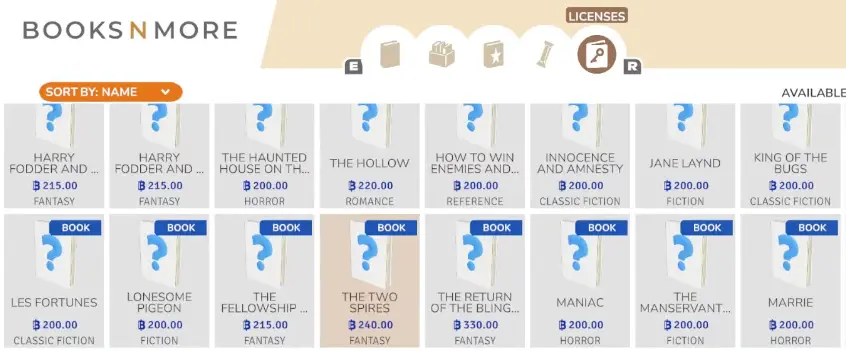
- select Book Licenses;
- purchase furniture;
- move and recolor furniture;
- open ordinary deliveries;
- open Used Book Boxes;
- place books on shelves;
- operate checkout;
- hire an employee through Zap Recruiter;
- help furnish another location.
The important limitation is not permission. It is coordination.
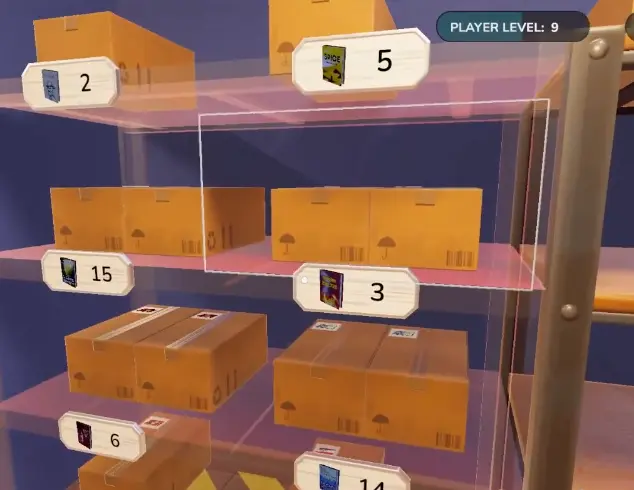
Because both players can solve the same problem, we could also:
- order the same missing title twice;
- buy two pieces of furniture for one empty space;
- spend the reserve intended for an employee;
- both leave checkout to sort the same Used Book batch.
I therefore assign ownership of each active task instead of waiting for both players to notice it.
Best Roles for 2, 3, and 4 Players
Only the two-player route below was directly tested. The three-player and four-player rows are recommended ways to divide the same jobs once those features are available.
| Players | Player 1 | Player 2 | Player 3 | Player 4 |
|---|---|---|---|---|
| 2 | Checkout and current sales | Purchasing, deliveries, and stock | — | — |
| 3 | Checkout | Purchasing and storage | Recommendations, Flyers, and Used Books | — |
| 4 | First checkout | Stock and deliveries | Customer Service and Flyers | Used Books, expansion, or another checkout when unlocked |
My tested two-player split
I use one principle:
One player protects current sales while the other removes the next bottleneck.
Before opening:
- One player places the Checkout Counter and checks the customer route.
- The other player places the first selling shelves.
- We choose licenses together.
- One player owns the first stock order.
- The other player opens the delivery and fills shelves.
- We set prices before turning the sign to Open.
During business:
- If customers are waiting, one player stays at checkout.
- If shelves are empty, the other player orders and refills.
- If boxes cover the floor, purchasing stops until the area is organized.
- If shelves are stable, the second player handles Used Books, licenses, or progression.
- If a Restocker has stock under control, both players can move toward customers, recommendations, or expansion.
How I would use a third player
Once recommendations, Flyers, and special-book sorting are active, a third player has enough work without interfering with checkout.
I would assign that player to:
- answer recommendation requests;
- hand out Flyers near the entrance;
- open and scan a controlled Used Book batch;
- return inside when checkout or stock becomes the priority.
This is a recommended workflow, not a separately tested three-player save.
How I would use a fourth player
A fourth player becomes most useful after the shop has enough systems to support them.
Their role can change between:
- a second Checkout Counter;
- Used Book and Rare Book sorting;
- expansion placement;
- preparing another location;
- covering recommendations while another player handles Flyers.
I would not put four players into a tiny opening Lyon shop and give all of them furniture to move. More players do not create more useful floor space.
Shared Money and My Purchasing Rule
In my session, both players spent from the same business economy.
That made routine purchases faster, but it also meant one player could unknowingly spend money reserved for:
- payroll;
- a Storage Shelf;
- another Book License;
- the next stock order;
- an additional Checkout Counter;
- a second location.
I use two rules.
One player owns the tablet
When one player opens Books & More, that person controls purchasing until they close it.
The checkout player can call out shortages, but does not place a second order.
For example:
“The Taker and Prince Groom are empty. We still need enough money for payroll.”
That tells the purchasing player what is missing and what must remain afterward.
Announce larger spending
Before hiring staff, buying expansion space, or purchasing another location, I say:
- what I am buying;
- why it solves the current bottleneck;
- how much operating money will remain.
I do not divide the balance into one wallet per player. I divide it by purpose:
- stock;
- staff;
- storage;
- progression;
- location reserve.
Used Books, Staff, and the Additional Checkout
These three systems become useful at different stages. I do not buy each one as soon as it appears.
Open Used Book Boxes in controlled batches
We bought four Used Book Boxes and opened two each.
That was manageable because the normal shelves and checkout line were already under control.
My sorting route is:
- Check normal stock first.
- Buy only the number of boxes we can sort.
- Split the batch between players.
- Put ordinary Used Books on their shelf.
- Inspect Rare and Legendary results.
- Clear the floor before ordering more.
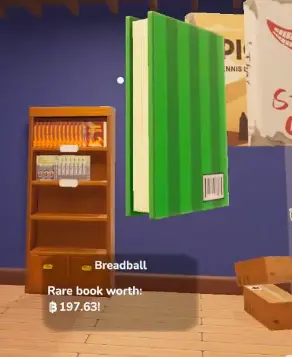
I stop opening boxes when both players are looking at special books while customers are waiting.
The full Legendary and Mythical route is covered in the Legendary and Mythical Books Guide.
Hire a Restocker when stocking consumes one player
I do not hire a Restocker merely because the employee menu is available.
I hire when:
- several titles empty during the same rush;
- one player spends most of the day carrying books;
- boxes remain unopened because checkout is busy;
- the shop can afford both payroll and another stock order.
I wait when:
- both players still have idle time;
- customer traffic is light;
- the main problem is a poor layout;
- there is not enough reserve stock for the employee to place.
The Restocker should release one player for higher-value work. It should not become another expense while both players stand near the register.
Buy another Checkout Counter only when queues are the bottleneck
In our fresh two-player Lyon save, the additional Checkout Counter unlocked at Player Level 12.
I buy it when:
- customers regularly form a queue;
- shelves remain stocked during that queue;
- there is room for another clean customer route;
- the purchase does not consume the stock reserve.
I wait when empty shelves are the real reason sales have stopped.
Two cashiers cannot sell books that are still sitting inside delivery boxes.
Opening a Second Location Together
I buy another location only after the first shop can operate without both players constantly correcting it.
Before travelling, I leave money for:
- a working Checkout Counter;
- basic selling shelves;
- the first stock order;
- storage;
- support for the shop left behind.
At the new location, I assign:
- one layout player;
- one purchasing and stock player.
The layout player controls the checkout route and furniture placement.
The stock player selects the opening categories, places the first order, and fills the prepared shelves.
I do not let both players furnish the same wall. We did this when entering a larger location and immediately began competing for the same space.
I start with one functioning selling floor rather than trying to fill every available room.
Use the Cotswolds Guide for location-price differences, Magazines, Flyers, Customer Service, and the England progression route.
Multiplayer Problems and Fixes
Customer stuck at checkout
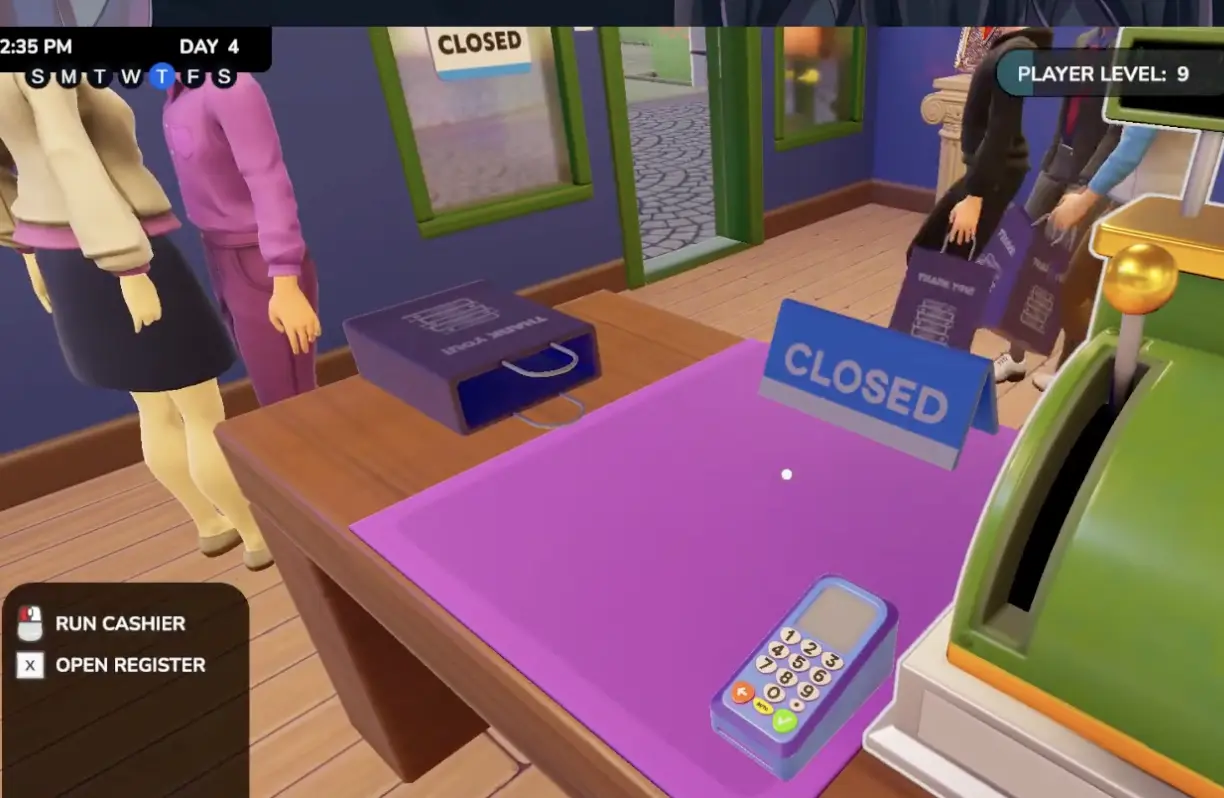
Our most serious problem started when the Checkout Counter was moved during an active transaction.
The current customer stopped progressing and held up the remaining line.
My prevention route is:
- finish the current queue;
- close the shop;
- wait for the checkout area to clear;
- move the counter;
- confirm the door-to-counter route;
- reopen and watch one complete transaction.
When our customer remained stuck, returning the furniture was not enough. The host saved and reloaded the session.
Guest returned to the menu after a reload
When the host reloaded, the guest returned directly to the main menu.
There was no seamless reload for both players.
Our recovery route was:
- host saves;
- host reopens the multiplayer save;
- guest selects Join Game again;
- both players inspect stock, furniture, employees, and prices;
- the shop reopens only after one test transaction.
I treat a host reload as a session restart for guests.
Guest could not end the day
We enabled Anyone Can End Day, but the guest later failed to complete the transition once.
The host ended the day instead.
I keep the setting enabled, but I do not assume it will work perfectly every time. One player remains responsible for the final transition.
Duplicate orders drained shared money
This was not a technical bug. It was a coordination problem.
When both players noticed the same empty shelf, both could begin solving it.
The fix was not reloading. It was assigning one purchasing owner and calling out shortages verbally.
What I Have Not Fully Tested
I do not currently claim confirmed answers for:
- whether guests receive an independent copy of the save;
- whether a guest can open the business while the host is offline;
- whether guest Player Level persists independently between hosts;
- whether an existing single-player save can always be converted safely;
- whether all achievements advance for every guest;
- whether players can efficiently operate different locations at the same time;
- the exact unlock thresholds in three-player and four-player saves;
- Host migration if the original host leaves.
These are important multiplayer questions, but the two-player session did not provide enough evidence to answer them honestly.
My Five Co-op Rules
- Let one player own purchasing.
- Keep one player protecting current sales.
- Announce major shared-money purchases.
- Hire staff only when a repeated task consumes one player.
- Treat host reloads as a new session for guests.
What to Read Next
Use the Cotswolds Guide for location pricing, Magazines, Flyers, the Customer Service Desk, and the England shop route.
Use the Legendary and Mythical Books Guide for Used Book Boxes, Rare Books, powerup displays, Mythical Boxes, and six simultaneous powers.
Use the Achievements Guide for personal checkout counters, employee milestones, multiplayer-friendly progression, and the full 74-achievement route.
Return to the Bookshop Simulator Guide Hub for the complete reading order.
FAQ
How many players can play Bookshop Simulator multiplayer? +
Bookshop Simulator supports up to four players. My confirmed results come from a fresh two-player version 1.0 save, so the three-player and four-player role plans on this page are recommendations rather than fully tested unlock routes.
Who owns the multiplayer save? +
I confirmed that the host could save and reopen our shop, while the guest had to join the reopened session again. I did not verify whether the guest receives an independent copy of the save or can open the business while the original host is offline.
Does guest player progress carry over? +
I did not complete a long-term persistence test with the guest joining on another day or through a different host. I would therefore avoid assuming that guest levels, unlocks, or character data are permanently independent of the host save.
Can guests earn achievements in multiplayer? +
I did not separately compare host and guest achievement notifications during this run. The business actions worked for both players, but that does not by itself prove that every personal achievement counter advances for every guest.
Does the second Checkout Counter always unlock at Level 12? +
No universal Level 12 rule should be assumed. In our fresh two-player Lyon save, the additional Checkout Counter unlocked at Player Level 12. Some multiplayer unlock requirements can scale with player count.
Does Bookshop Simulator multiplayer have built-in voice chat? +
I did not find a dedicated voice-chat option in the Audio menu during this session. We used an external voice call to coordinate purchases, layout changes, and End Day decisions.