Cat Mail Co Beginner Guide: First Shifts, Scanner & Boat Routes
A practical Cat Mail Co beginner guide for the first shifts, covering pickup clues, outgoing shipments, destination and weight stamps, X-ray scanner checks, night work, moonlight parcel clues, staging zones, captain routes, co-op roles, boat loading, returned parcels, and early special parcel mistakes.
Updated:
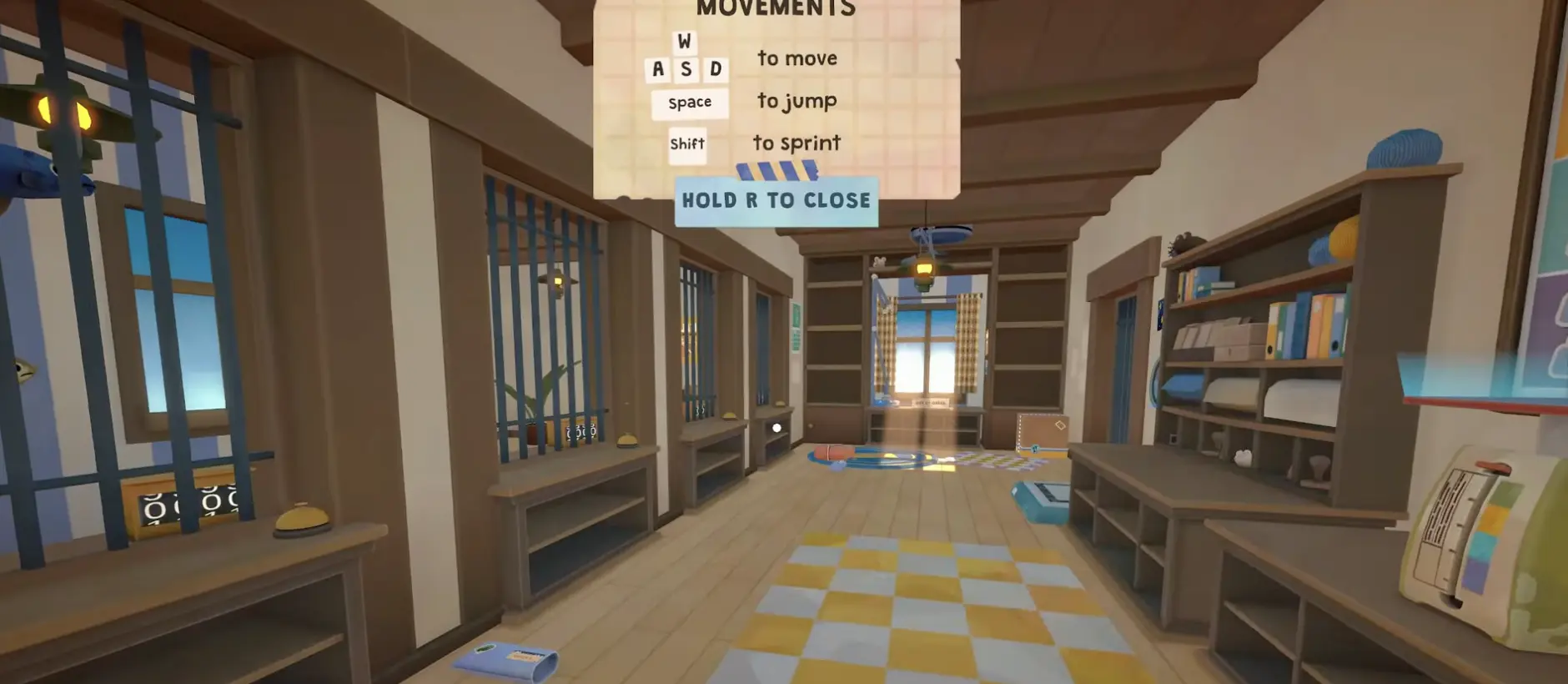
Quick Answer
The safest beginner route in Cat Mail Co is to identify the parcel before moving it too far. Cat Island pickup parcels need visible names and clues near the counter. Outgoing parcels should move through destination stamp, weight stamps, scanner or moonlight check, destination staging, and captain route check before they ever touch the boat. Do not ask “Can I fit this on the boat?” first. Ask “Should this parcel leave today?”
First Shifts Checklist
I treat the first shifts as a sorting system, not a speed test.
Every parcel goes into one of two routes: Cat Island pickup or outgoing shipment. Pickup parcels are about finding the right customer parcel. Outgoing parcels are about preparing the parcel, staging it by destination, then waiting for the correct boat route.
| Step | What I check | What I do |
|---|---|---|
| 1. Read the request | Pickup request or shipment request? | Do not move the parcel far until I know the job |
| 2. Split local vs outgoing | Cat Island or another destination? | Pickup stays near counter; outgoing goes to the work area |
| 3. For pickup parcels | Name, last initial, size, shape, ribbon, sticker, handle, or clue | Keep labels and visual clues visible |
| 4. For outgoing parcels | Destination such as Port Windy or Sunny Shores | Add the correct destination stamp |
| 5. Weigh the parcel | Scale category and weight board count | Add the required number of weight stamps |
| 6. Check hidden traits | Scanner result, moonlight clue, or customer wording | Add the matching constraint stamp or move it to the right room |
| 7. Stage by destination | Port Windy, Sunny Shores, Crescent Bay, or later routes | Put prepared parcels in separate piles |
| 8. Ask the captain | Which destinations are on today’s boat route? | Load only matching destinations |
| 9. Ring the dock bell | Boat is correct, rooms checked, no wrong parcels | End the shift only after the final check |
Local Pickup vs Outgoing Parcels
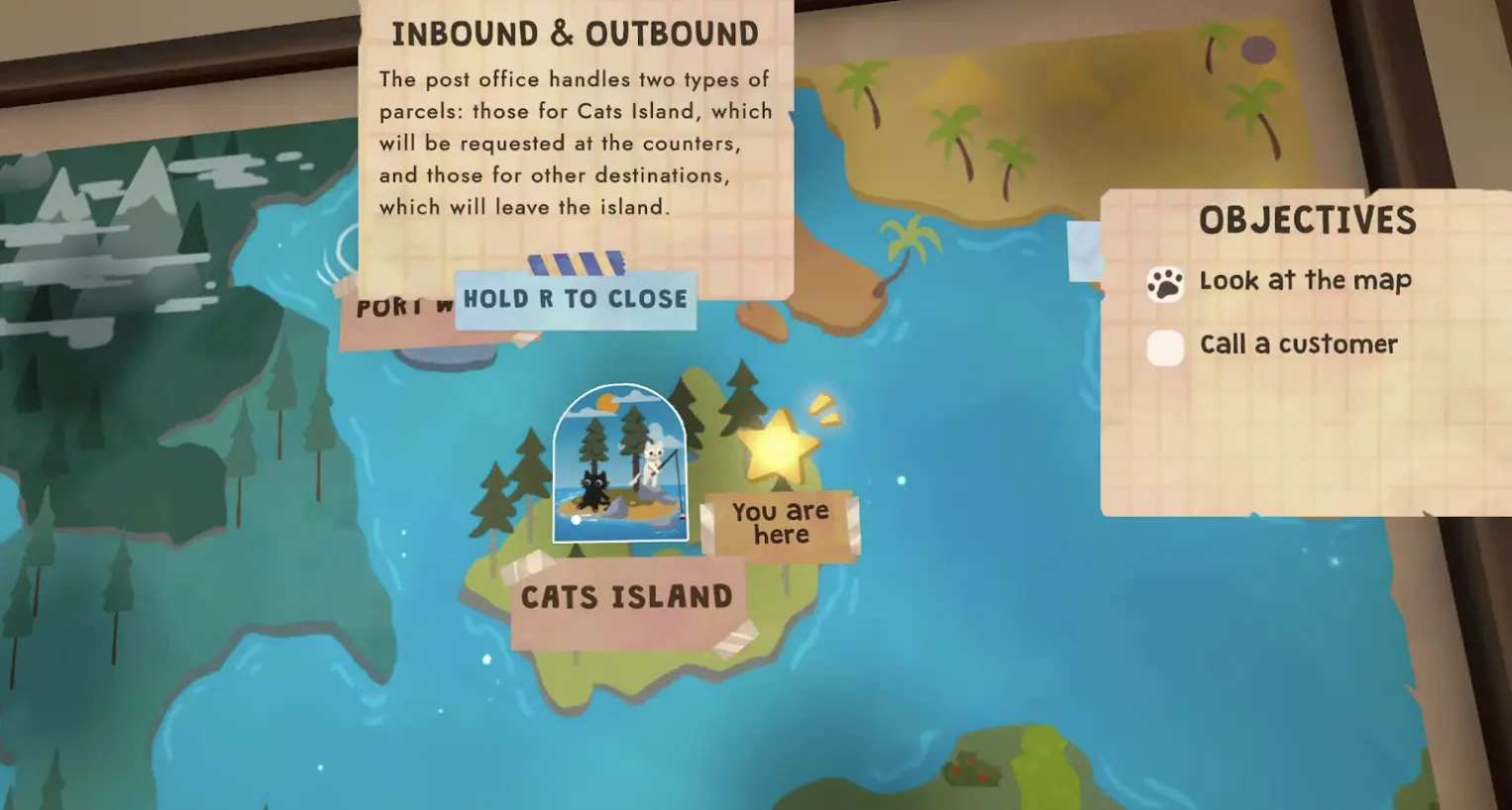
The tutorial gives the first real split: Cat Island parcels are requested at the counter, while parcels for other destinations leave the island.
These two types need different organization. Pickup parcels need identity visible. Outgoing parcels need route visible.
| Parcel type | What matters most | Best beginner placement |
|---|---|---|
| Cat Island pickup parcel | Name, last initial, shape, size, ribbon, sticker, or clue | Counter shelves with labels facing out |
| Outgoing parcel | Destination stamp and route | Destination staging zone |
| Unknown parcel | Not enough information yet | Small re-check area, not the main pile |
| Returned parcel | Something already failed | Separate return zone |
| Special parcel | Scanner, moonlight, room, or trait requirement | Heavy, fragile, cold, repair, or later room area |
How to Find Customer Pickup Parcels
Customer pickup requests are the first real “search the shelf” puzzle.
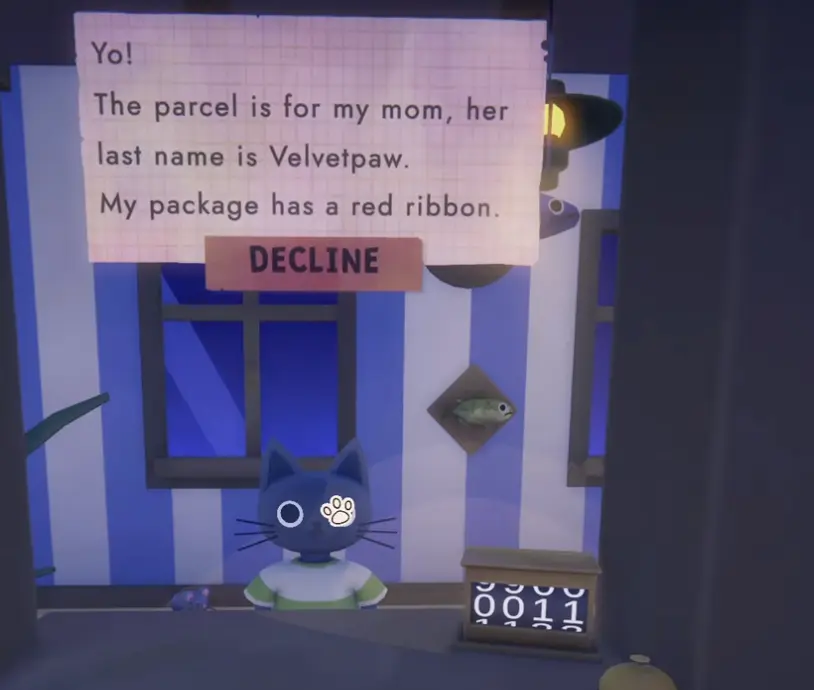
Sometimes the customer gives a full name. Sometimes they give only a last name, package size, ribbon color, shape, handle, or clue like “almost my height.” If the clue is vague, I match at least two details before handing over a parcel. If several parcels could be right, I do not guess from the first one I see.
| Customer clue | What I check | What I do when several parcels match |
|---|---|---|
| Full name | Match the label directly | Hand it over only after name matches |
| Last name only | Use last initial, then compare size or shape | Check nearby same-initial parcels |
| “Just a letter” | Flat envelopes and thin parcels | Compare name or last initial before handing over |
| “Big box” / “almost my height” | Tall or large boxes | Confirm the name after size match |
| Ribbon color | Ribbon on the parcel | Do not confuse ribbon with general decoration |
| Box with handles | Handle-shaped packaging | Match handle clue plus name / initial |
| Cube shaped | Cube parcels | Compare name if multiple cubes exist |
| Heavy / cold / fragile clue | Special parcel area or room | Check scanner / room zones before declining |
| No useful identity clue | Not enough to identify safely | Decline or keep searching instead of guessing |
Destination Stamps, Weight Stamps, and Decorative Stamps
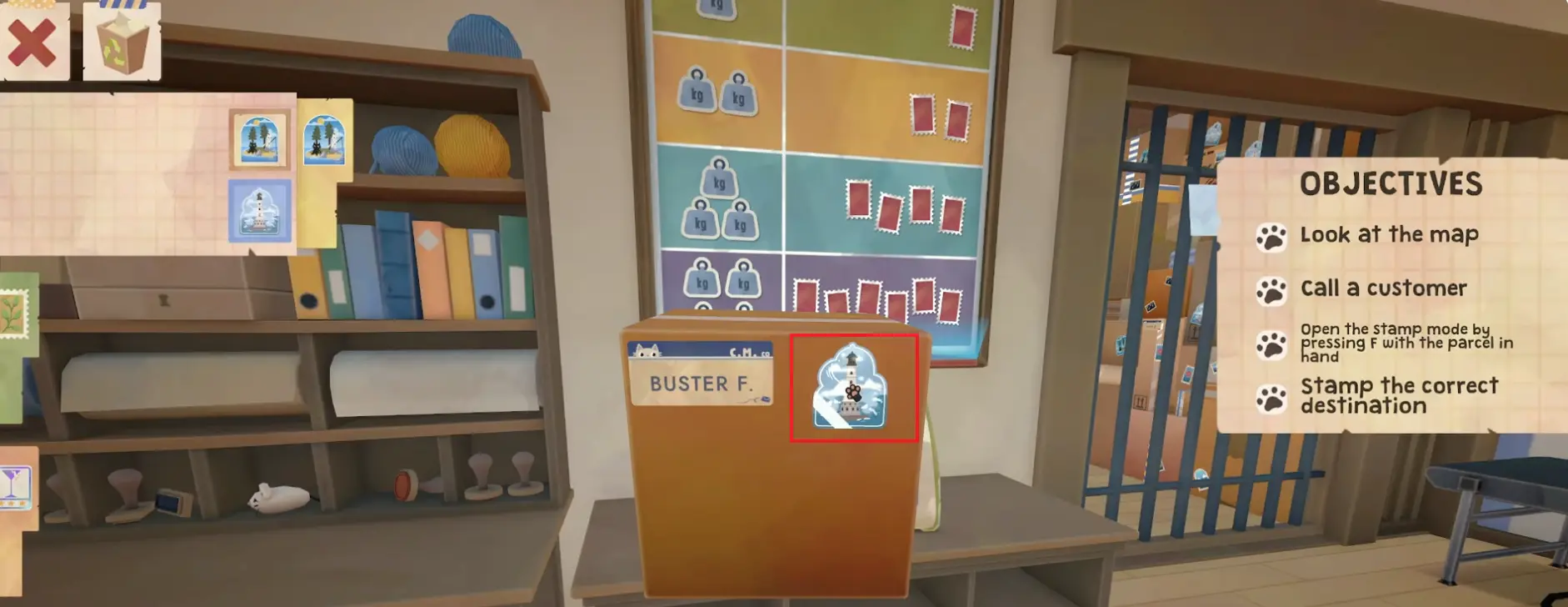
For outgoing parcels, finish the desk work before thinking about the boat.
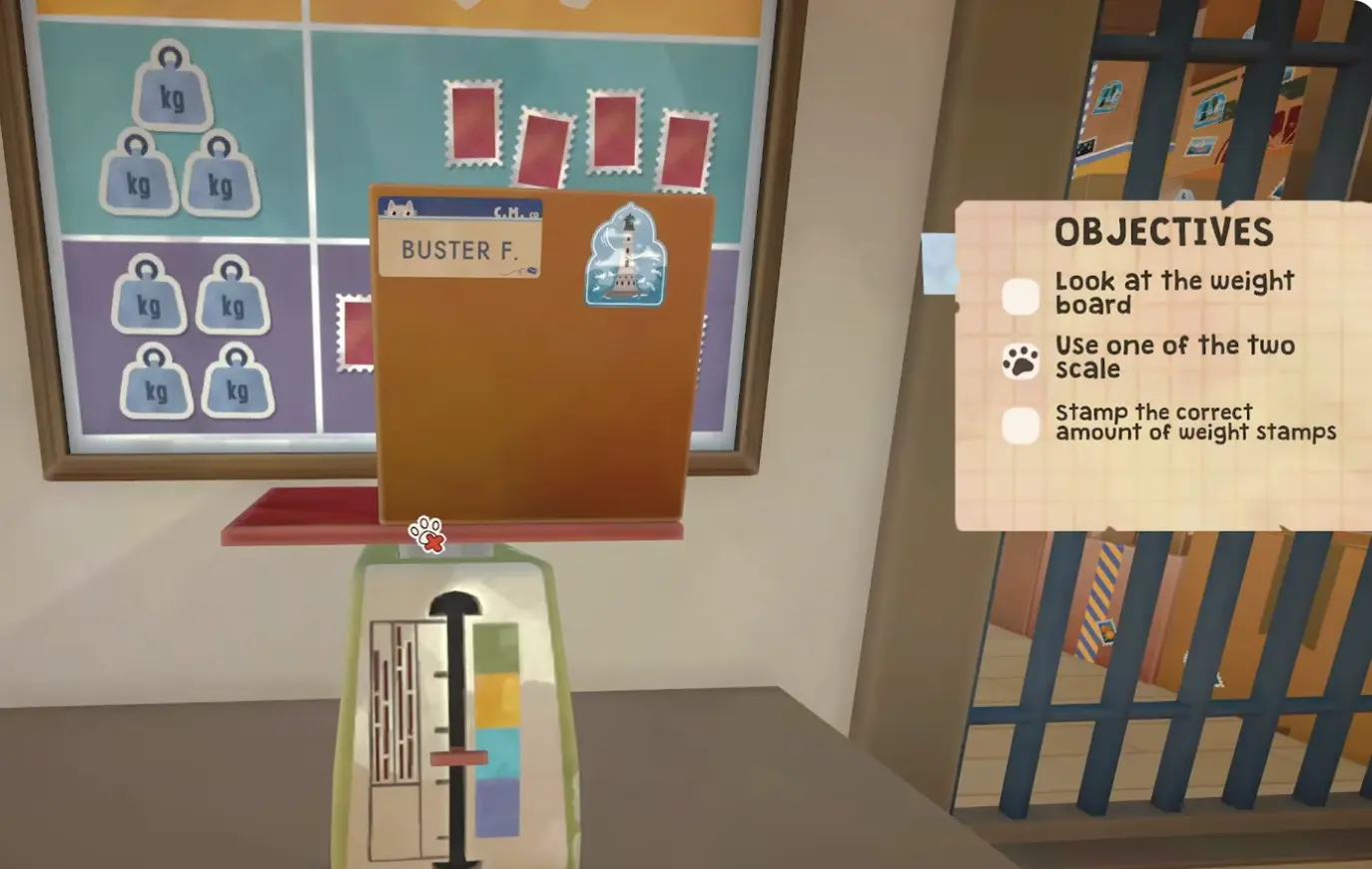
Inspect the parcel, stamp the destination, put it on the scale, then match the scale category to the weight board. In the early example, a blue / 3 kg category needs four weight stamps, which is easy to misread if you rush.
| Stamp decision | Correct move |
|---|---|
| Destination is clear | Add the matching destination stamp |
| Destination is unclear | Inspect again before stamping |
| Scale category is known | Match it to the weight board and count stamps |
| I forget the weight count | Weigh it again instead of guessing |
| I want decorative stamps | Add them only after required route stamps are done |
| I want stamp bonus | Use safe, already-correct parcels, not chaotic dock moments |
| I placed the wrong stamp | Fix it before staging or loading |
| Boat is already waiting | Finish stamps first; the dock is not a workbench |
Night Work and Moonlight Checks
Night is not just a visual change.
After the early boat shift, the game moves into night work and unlocks new ways to inspect parcels. The basic loop still works the same — satisfy requests, sort parcels, and prepare shipments — but moonlight and later tools can reveal hidden parcel information. I use night as a cleanup pass: scan customer-given shipments, sort backlog piles, and move special parcels into the right zones before the next boat run.

| Night situation | What I do |
|---|---|
| New hidden parcel clue appears | Stop treating the parcel as normal mail |
| Customer gives an outgoing parcel | Stamp, weigh, then scan / check traits before staging |
| Backlog pile keeps feeding parcels | Pull visible parcels into zones, not one mixed floor pile |
| Pickup shelves are crowded | Keep Cat Island names and clues visible |
| Outgoing shelves are crowded | Keep destination stamps visible |
| Special room is open | Add it to the pre-boat room check |
| I am tired of sorting | Send a smaller clean boat instead of forcing a messy one |
Use the X-ray Scanner After It Unlocks
The X-ray scanner is the next major beginner system.
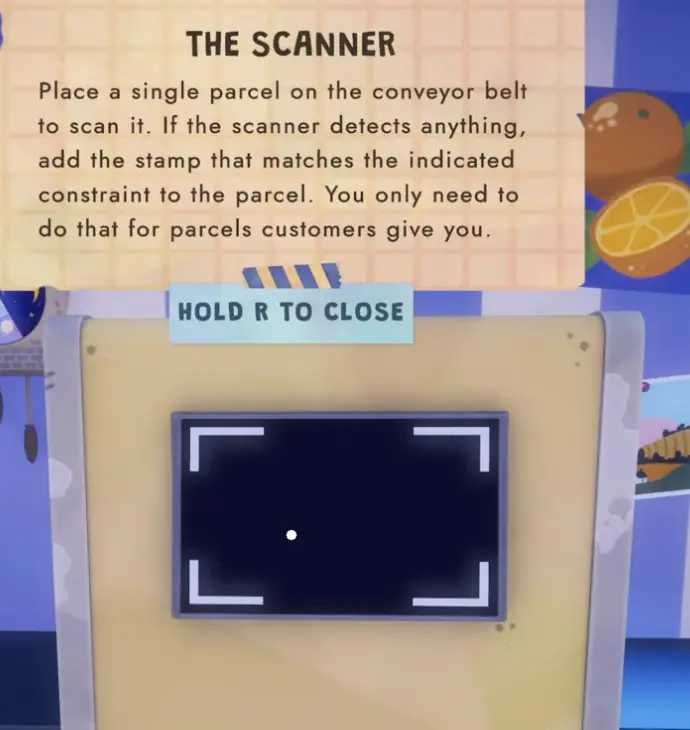
Place one customer-given parcel on the conveyor belt. If the scanner detects a constraint, add the matching stamp and treat the parcel accordingly. Once heavy and fragile constraints are active, the rules become strict: fragile parcels cannot have anything above them, and heavy parcels will crush anything underneath.
| Constraint / trait | What it means | How I handle it |
|---|---|---|
| No constraint | Normal outgoing parcel | Destination stamp, weight stamps, staging |
| Heavy | It can crush parcels below it | Put it low, alone, or in a heavy zone |
| Fragile | It cannot have anything above it | Keep it visible and uncrushed |
| Cold | It needs cold storage when that system is active | Put it in the cold room before shipping |
| Damaged | It should be repaired when repair is available | Hold for repair workshop |
| Multiple traits | More than one handling rule applies | Solve every trait before staging |
| Not checked yet | Unknown risk | Do not load it as filler |
Best Beginner Layout and Shelf Fixes
A good layout matters more than a perfect-looking room.
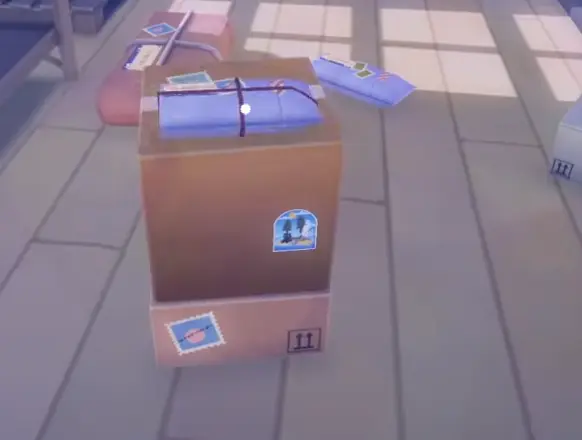
I use zones first, then worry about neatness. If a parcel refuses to snap into a shelf or boat space, I rotate it, move one blocking box, or place it in a temporary zone. I do not keep fighting the same shelf angle while customers and parcels pile up.
| Zone | What goes there | Placement rule |
|---|---|---|
| Counter pickup shelf | Cat Island parcels customers may request | Names, initials, shapes, and clues face out |
| Port Windy staging | Prepared Port Windy outgoing parcels | Destination stamp visible |
| Sunny Shores staging | Prepared Sunny Shores outgoing parcels | Separate pile as soon as the route opens |
| Unknown / re-check | Parcels I do not fully understand yet | Label visible, never buried |
| Returned parcels | Parcels the captain gave back or failed earlier | Separate from fresh mail |
| Heavy / fragile area | Parcels with handling constraints | Heavy low, fragile visible |
| Cold storage | Cold parcels after the room unlocks | Check before the dock bell |
| Boat-ready edge | Prepared parcels matching captain route | Only after captain confirms route |
| Placement problem | Fix |
|---|---|
| Parcel looks like it fits but will not snap | Rotate it and try a cleaner angle |
| Shelf is technically open but blocked | Move one nearby parcel instead of forcing it |
| Name label disappears behind another box | Move pickup parcels so the label or clue faces out |
| Destination stamp is hidden | Turn outgoing parcels so route stamps are readable |
| Boat stack becomes too high | Send a smaller clean load or rebuild the stack |
| Fragile parcel would sit at the bottom | Move it to the top or hold it |
| Heavy parcel blocks everything | Put it low, alone, or in a dedicated heavy spot |
Captain and Boat Loading
The boat phase is where a clean shift can go bad.
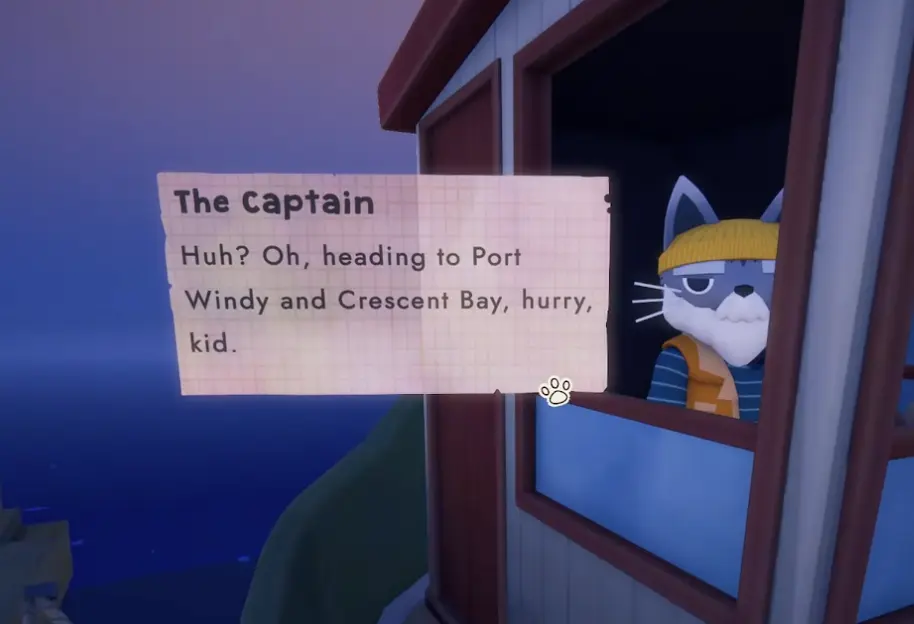
Talk to the captain before loading. If the captain says Port Windy, only Port Windy parcels go on the boat. If the captain says Port Windy and Sunny Shores, both piles can go. Anything else waits.
| Boat question | Good answer |
|---|---|
| Is the destination stamped? | Yes, and the stamp matches the label |
| Are weight stamps complete? | Yes, count matches the weight board |
| Has it been checked for hidden traits? | Yes, scanner / moonlight / room checks are handled |
| Is it cold / fragile / heavy / damaged? | Trait is handled before loading |
| Is the captain going there? | Destination is named in the captain’s heading |
| Does it fit safely? | Heavy low, fragile not buried, stack not too high |
| Is it unknown or returned? | Re-check before loading |
| Am I using it as filler? | Only if it matches the route |
Returned and Invalid Parcels: Diagnose the Failure
Returned parcels are not just clutter. They are an error report.
The captain can return parcels he did not ask for or parcels with the wrong destination stamp. Some parcels may need to be stamped again. I keep every returned parcel in a visible re-check zone before it touches the main shelf again.
| Symptom | Likely cause | Fix |
|---|---|---|
| Captain returned the parcel | Wrong destination for that boat route | Check captain heading before loading |
| Incorrect destination stamp | Wrong stamp was placed earlier | Re-stamp before staging |
| Customer rejected pickup parcel | Wrong name, size, ribbon, or special clue | Match at least two clues before handing over |
| Fragile parcel broke | Something was stacked on top of it | Keep fragile parcels visible and on top |
| Heavy parcel damaged something | It was placed above another parcel | Put heavy parcels low or alone |
| Cold parcel went bad | It skipped cold storage or sat too long outside | Put cold parcels in the cold room immediately |
| Parcel would not fit on shelf or boat | Bad angle, blocked snap point, or stack height | Rotate, clear space, or hold it |
| Backlog keeps growing | Parcels are not being sorted into zones | Pull visible parcels and stage them by route |
After the dock bell, I use the shift summary as a quick health check: customer parcels show whether the pickup shelf is working, boat parcels show outgoing volume, and stamp bonus shows extra stamp work. If parcels come back later, the score is secondary; the returned parcel diagnosis comes first.
Early Unlock Timeline
Your exact pace can change, but the first hour has a clear pattern.
The important part is not the exact minute. It is knowing when the room layout must change. If I unlock a new system and keep the same day-one piles, the post office starts to collapse.
| Early point | What usually changes | Layout change I make |
|---|---|---|
| First few minutes | Pickup parcels, outgoing parcels, destination stamps, weight stamps | Counter shelf + outgoing work area |
| First dusk / captain visit | Boat loading starts | Destination staging before dock |
| After first boat shift | Night work and scanner unlock begin | Add scanner-before-staging habit |
| Early night shifts | Heavy and fragile constraints appear | Add heavy low zone and fragile visible shelf |
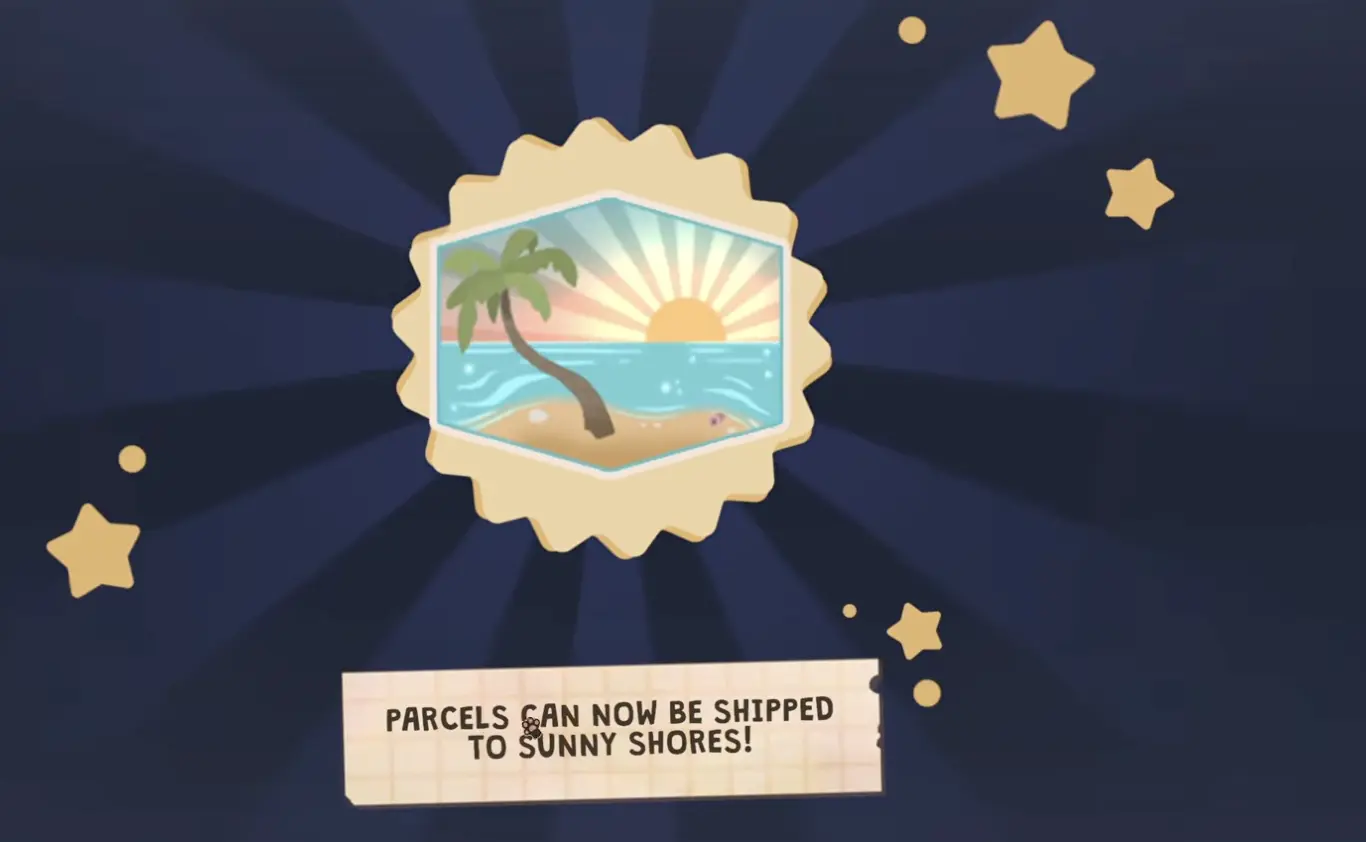
| Around the first new destination unlock | Sunny Shores joins the route | Add a new destination pile immediately |
| Cold room unlock | Cold parcels need refrigerated storage | Add cold room to pre-boat check |
| Backlog grows | More parcels push into the room | Add unknown / re-check zone |
| Later rooms and repair | Hot, dark, light, or damaged parcel systems expand the route | Add one room-specific zone at a time |
Co-op Roles: How to Split the Post Office
Cat Mail Co works fine solo, but co-op makes more sense once the floor gets crowded.
The mistake in co-op is everyone touching every parcel. That creates duplicates, hidden labels, and wrong boat sends. The better plan is to give each player one lane.
| Role | Job | Good habits |
|---|---|---|
| Counter player | Handles Cat Island pickup requests | Keeps names, ribbons, shapes, and clues visible |
| Stamp / scanner player | Processes outgoing parcels | Destination stamp, weight stamps, scanner checks |
| Room / staging player | Manages destination piles and special rooms | Port Windy, Sunny Shores, cold storage, returns |
| Boat player | Talks to captain and loads parcels | Loads only matching destinations and checks stack height |
| Two-player setup | Split counter vs outgoing | One handles customers, one handles stamping / boat |
| Three-player setup | Counter, processing, boat | Cleaner once scanner and cold room unlock |
| Four-player setup | Counter, scanner/stamps, staging/rooms, boat | Best for backlog cleanup |
Common Beginner Mistakes
| Mistake | Better habit |
|---|---|
| Sorting by box size first | Sort by route first, size second |
| Handing over the first similar pickup parcel | Match at least two clues when shelves are crowded |
| Skipping night / scanner checks | Treat hidden traits as part of the normal route |
| Fighting one shelf slot too long | Rotate, clear one blocker, or use a temporary zone |
| Putting heavy parcels on top | Heavy goes low or alone |
| Burying fragile parcels | Fragile stays visible and uncrushed |
| Loading before asking the captain | Captain heading before boat loading |
| Mixing returns with fresh mail | Returns get their own re-check zone |
What To Read Next
| If this is your problem now… | Read this next |
|---|---|
| I got invalid parcels or returned parcels | Boat Destinations & Invalid Parcels |
| I do not understand heavy, fragile, cold, hot, lovers, or damaged parcels | Package Types & Rooms Guide |
| I want all 17 achievements | Achievements Guide |
| I want the full route map | Cat Mail Co Guide Hub |
Final Beginner Rule
Do not ask “Can I fit this on the boat?” first. Ask “Should this parcel leave today?”
Pickup parcels wait near the counter with clues visible. Outgoing parcels wait if required stamps, hidden trait checks, staging, room handling, shelf placement, or captain route are unresolved.
FAQ
What should I do first in Cat Mail Co? +
Separate Cat Island pickup parcels from outgoing parcels. Pickup parcels need visible names and clues near the counter. Outgoing parcels need destination stamps, weight stamps, scanner or trait checks when available, staging by destination, and a captain route check before loading.
What is the biggest beginner mistake? +
Loading a parcel just because it fits on the boat. A parcel can be stamped and weighed correctly but still be wrong if the captain is not going to that destination.
How do I find customer pickup parcels? +
Use the customer's name, last name, last initial, shape, size, ribbon, handle, sticker, or special wording. If several parcels match the clue, compare at least two details before handing one over.
How does the X-ray scanner work? +
After the scanner unlocks, place one customer-given parcel on the conveyor belt. If it detects a constraint, add the matching constraint stamp and handle the parcel properly before staging it.
What changes at night in Cat Mail Co? +
Night work keeps the same basic customer and sorting loop, but moonlight and later tools reveal hidden parcel information. Use night shifts to slow down, scan, sort, and clean up backlog instead of rushing parcels straight to the boat.
How should co-op players split jobs? +
One player can handle counter pickup clues, one can stamp and scan outgoing parcels, one can manage staging and special rooms, and one can load the boat after checking the captain's route.